HeyGen, Forbes AI 50, App Design

Architecting a seamless AI video experience for enterprise-scale and consumer communication.
Timeline4 Months
RoleProduct Design Intern
TeamNick Allen, Manuela Odell, Tiffany Huang, Wayne L.
ToolsFigma

Overview

An AI video creation platform designed for enterprise-scale communication.

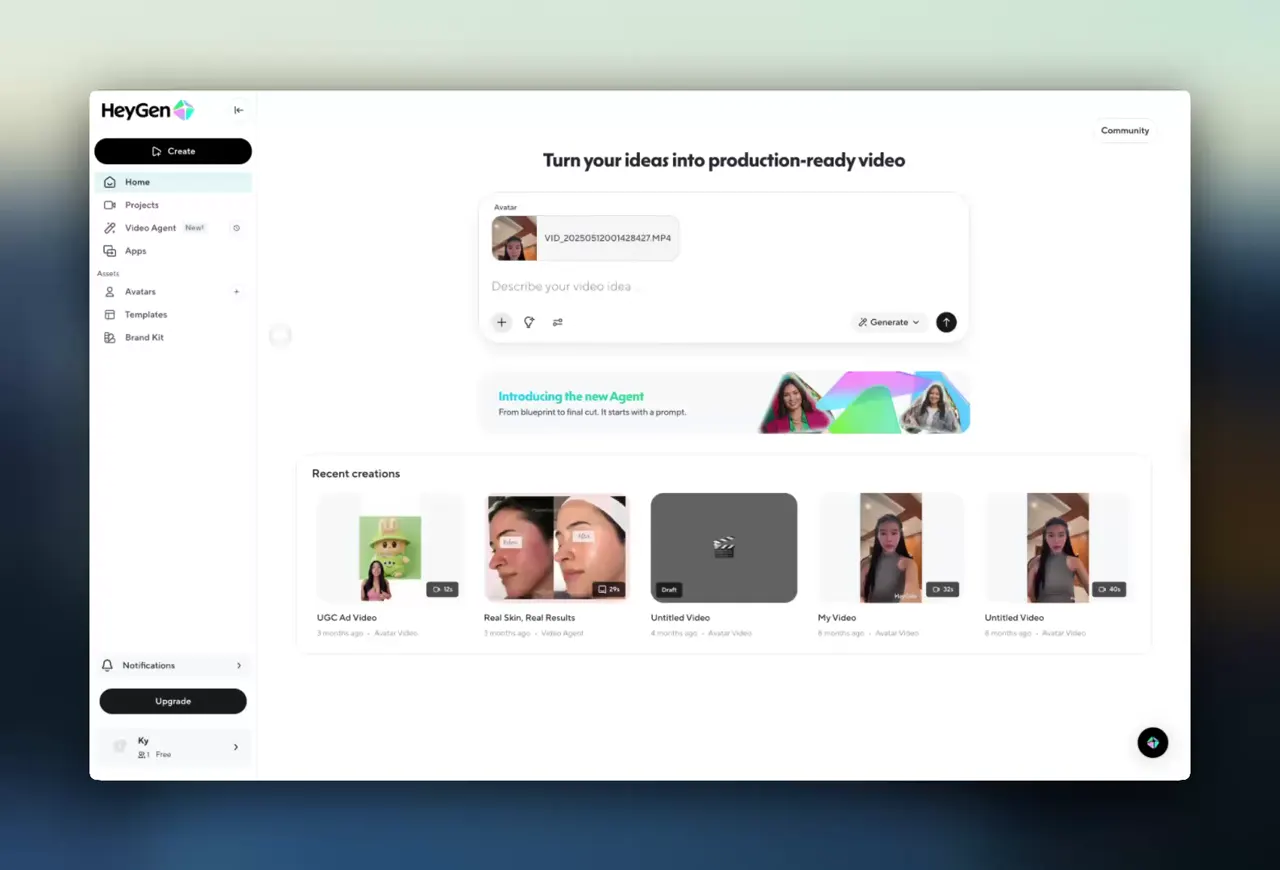
HeyGen Enterprise enables medium to large teams across marketing, L&D, sales, and other departments to translate videos into over 100 languages and produce AI digital human videos within hours. I participated in the user experience redesign of the Enterprise Core Workspace, encompassing the AI Video Agent, real-time LiveAvatar experience, navigation and notification systems, as well as CRM/Apps pages.

Context

User & Market Research

Together with Sales and CSM, we conducted over 10 enterprise customer interviews (45–60 minutes each). At the market level, we also compared the user experience of similar enterprise AI video products like Synthesia and Captions. Combining community feedback and usage data, we identified several key issues.

Research synthesis

Research synthesis: interviews, competitive benchmarking, and usage data mapped across 4 enterprise tiers.

The problem

Three core UX challenges stood in the way of enterprise adoption.

01

The path from sign-up to producing a usable video is too lengthy for new users, requiring an average of 8–10 steps.

02

While LiveAvatar's real-time experience is technically advanced, fragmented entry points and insufficient status feedback have resulted in lower-than-expected daily active users.

03

Frontline users lack clarity on where enterprise governance and integration capabilities reside — SSO, approval workflows, and CRM/LMS integrations.

Solution 1

UX Optimization: Real-Time AI Avatar

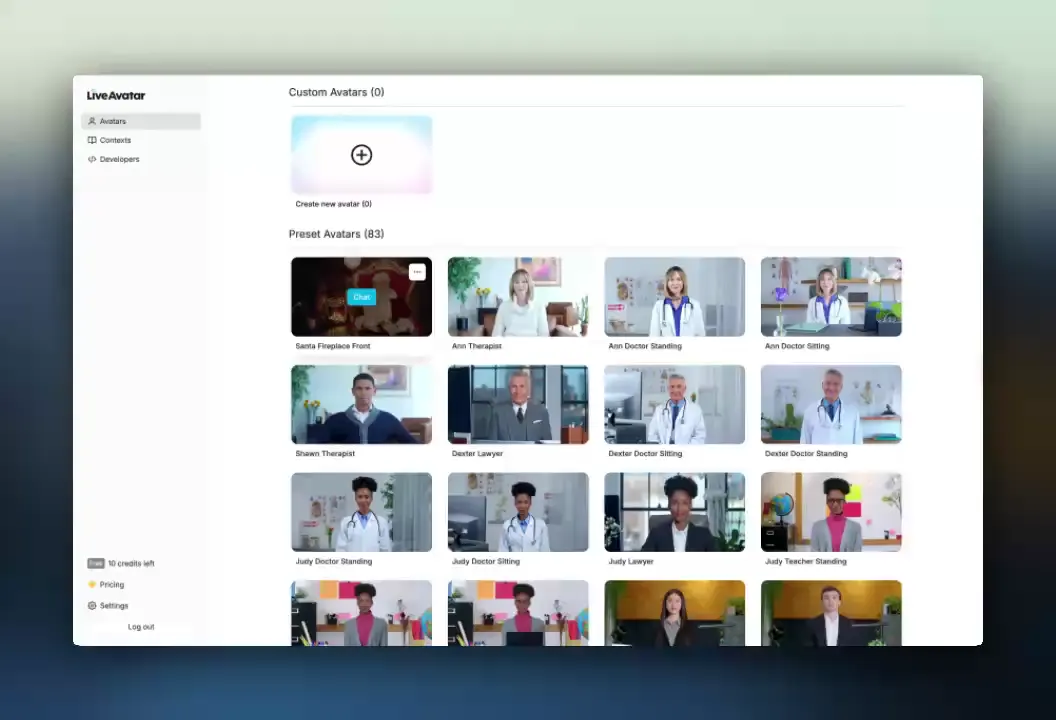
The API is highly capable, enabling real-time AI avatar conversations, but the product-level multimodal interaction flow — loading states, error states, input/output boundaries — required refinement.

I was responsible for defining various UX states (Connecting, Listening, Processing, Speaking) and multimodal inputs (text, voice, potential future video formats).

Process

Mapped the LiveAvatar backend AI state machine (Idle → Connecting → Listening → Generating → Speaking → Error/Disconnected), reviewed state designs, and supplemented missing states.

Live Avatar state map

Live Avatar state map: 5 state categories covering auth, session setup, input modes, AI response cycle, and error handling.

Impact

Average session duration and revisit rate for real-time conversations increased, with session length rising by 15–25%. User experience satisfaction improved noticeably.

Solution 2

Growth Design: Navigation Bar & Pop-Ups

The navigation structure remained stacked by functional modules rather than organized around high-frequency user tasks. Users could not intuitively see the progress of AI video generation. Product advertisements were placed in a secondary tab, not directly embedded within essential interaction flows.

I was responsible for producing multiple interactive design proposals for the design team to discuss and finalize. I directly designed pop-ups and ad interstitial banners to boost ARR and conversion rates.

Process

Navigation Bar: function modules clustered and arranged based on ARR and usage frequency. Dual-tab Notification Center: "Notifications" displays only content directly related to the user's AI video generation progress; "What's New" is reserved for product promotions and marketing campaigns.

Impact

Improved notice click-through rate and conversion rate from new feature guidance.

Solution 3

Growth Design: Enterprise CRM Page

Integration with systems like CRM/HubSpot was already achievable through Apps, but the Apps page lacked a prominent entry point, and its layout failed to highlight key integrations and recommended workflows.
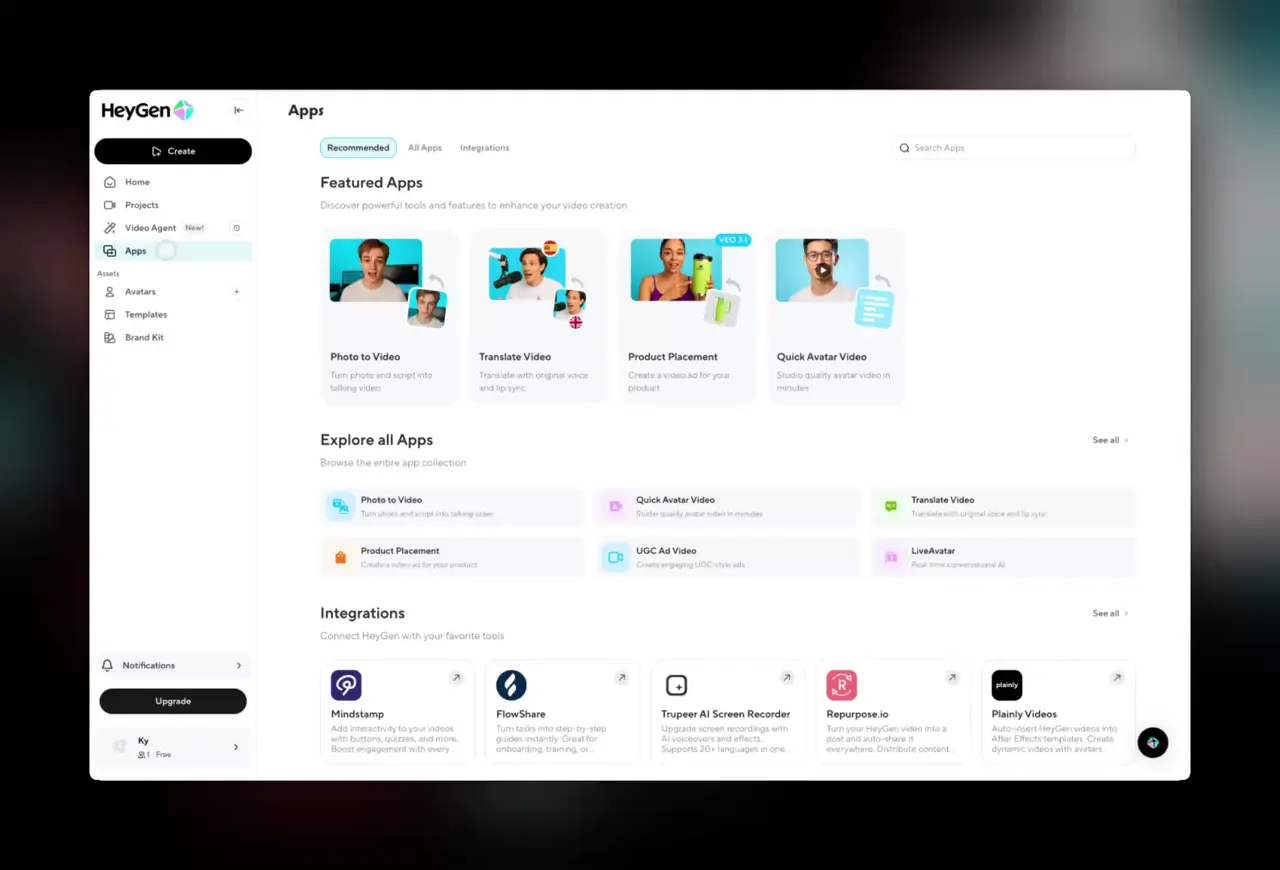
I designed the categories and components for the CRM page.

Impact

Enhanced the user experience for enterprise-end users, increasing traffic to the Apps page and third-party integrations.

The outcome

Measurable impact across the enterprise platform.

$80M → $100M+ ARR

Significant ARR growth with reduced churn rates.

15–25% session duration increase

Noticeably higher usage frequency and session duration of LiveAvatar among pilot clients.

Thanks to the excellent product design team for making this work possible. This internship sharpened how I think about enterprise UX at scale.

HeyGen Mobile

Crafting an on-the-go AI video editing experience for mobile users.

Timeline2 Months
RoleProduct Design Intern
TeamTiffany Huang (Product Designer + PM)
ToolsFigma

Overview

From desktop powerhouse to pocket studio.

HeyGen Mobile is a consumer-focused AI video creation app that lets creators and small businesses turn scripts, photos, and short clips into publish-ready AI videos directly on their phones. I co-designed and optimized the core navigation, Video Studio color editor, and captions experience, aiming to shorten the time from "open the app" to "publishable video" while keeping the experience friendly to non-experts.

Context

Consumer user research & competitive landscape.

I worked with Tiffany Huang (also PM) to review past user interviews from creators at companies of various sizes, freelancers, and everyday consumers. Simultaneously, we benchmarked navigation structures, color grading workflows, and captioning tool models of leading mobile media editors like CapCut, Captions, and Hypic.

Key findings

  • HeyGen's strengths — lip-sync video translation, streaming-grade avatars, 40+ language subtitle export — are unmatched, but desktop-first.
  • Competitors are rapidly extending advanced features to mobile, making "creating finished videos solely on mobile" the norm.
  • The goal: enable PC users to complete the workflow from draft to finished video on mobile, anytime.
Competitive audit

Competitive audit: HeyGen benchmarked against CapCut, Captions, and Hypic.

The problem

Two core UX friction points.

1. Navigation lacks clear functional modules

The homepage features a complex UX with no clear hierarchy, causing users to experience fatigue from repetitive steps. High-frequency functions need rearranging based on data so users can quickly access their tasks.

2. Color selection lacks flexibility

The Video Studio color editor provides limited options, forcing workarounds. Editing video backgrounds requires too many steps compared to industry-standard tools.

Solution

1. Navigation: from feature list to task-first hub.

I collaborated with senior designers to develop multiple navigation proposals, organize reviews, and drive the selection of the final direction. We reorganized the homepage hierarchy based on HEX data — creation and editing modules elevated to top priority, account and settings downgraded to secondary entry points.

2. Video Studio — Color Editor

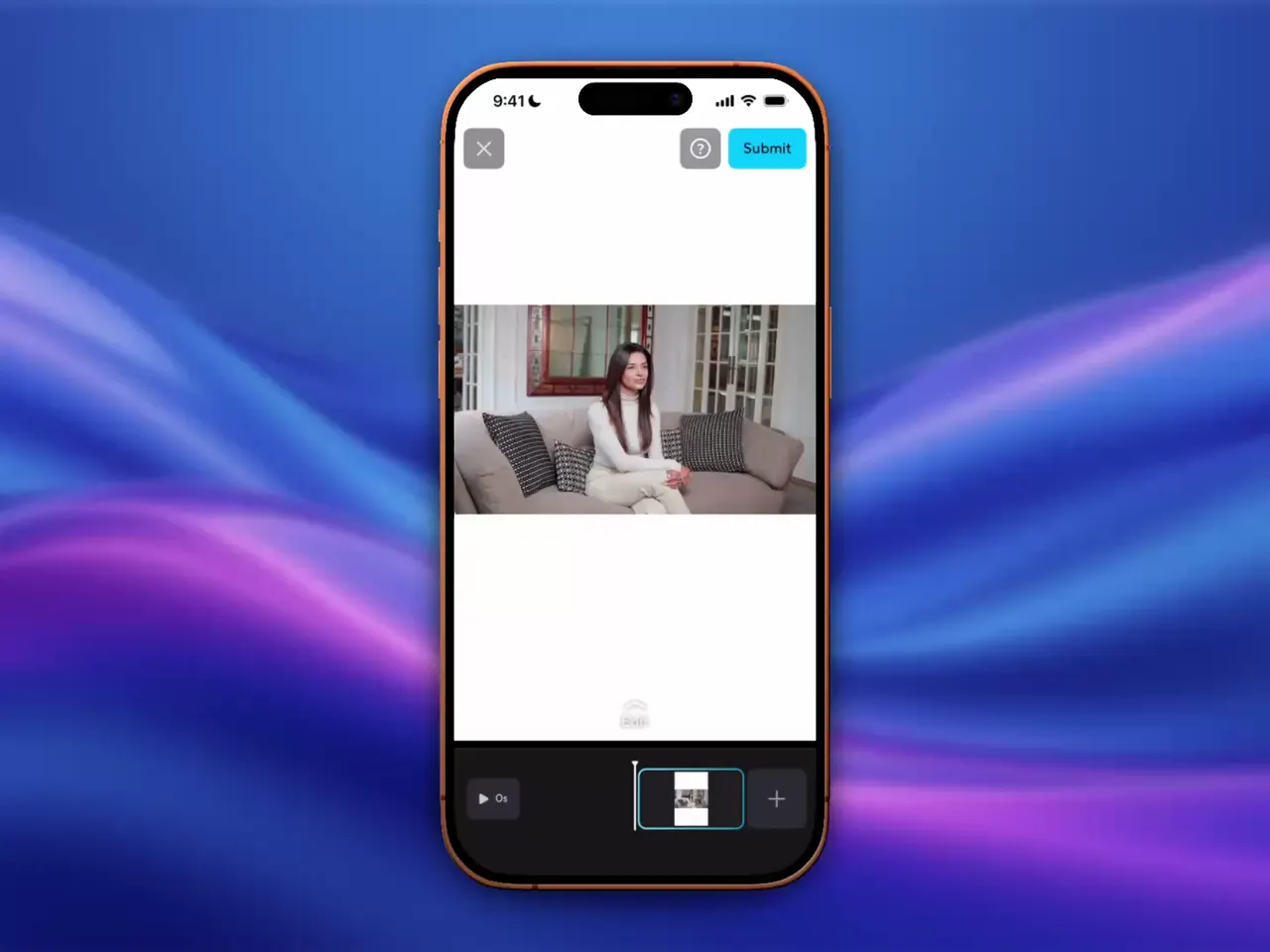
I redesigned the color picker referencing widely acclaimed mobile editors like Hypic, exploring multiple options from simple preset palettes to full HSB sliders, and tailored the final design to balance flexibility with HeyGen's non-expert user base.

The outcome

Measurable impact on the mobile product.

Fewer steps, clearer feature visibility

Core features are now clearly visible, driving conversions for ARR. Decision-making steps significantly reduced.

30%+ reduction in color editing decisions time

Users experience at least a 30% reduction in the time required to make editing decisions when working with video backgrounds.

The HeyGen Mobile app launched on the iOS App Store, bringing AI video creation to mobile users worldwide.

Special thanks to Tiffany Huang — PD & PM — for driving this project forward.